NEW
Booking data, wherever you need it:

















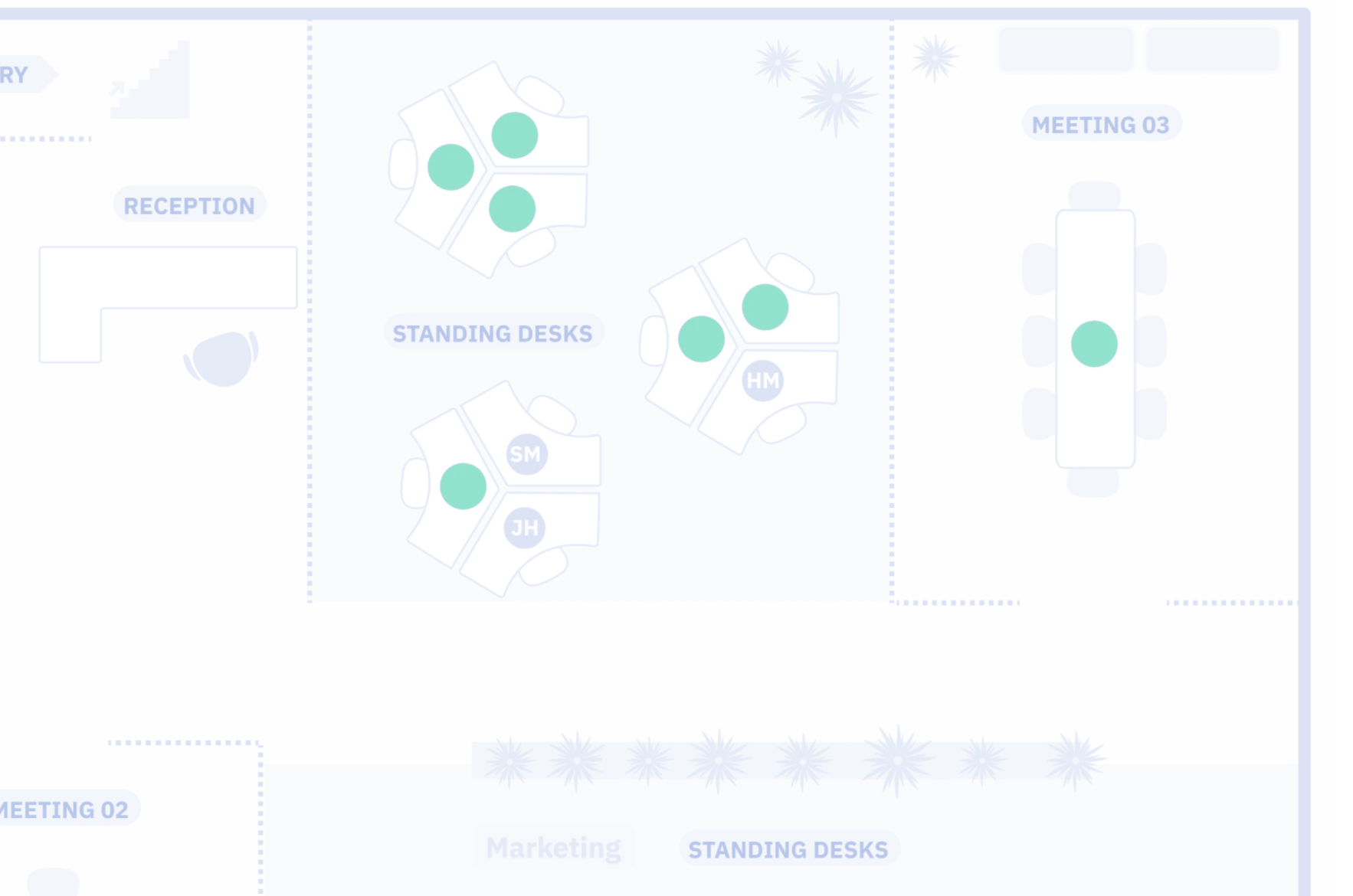

This space is available!
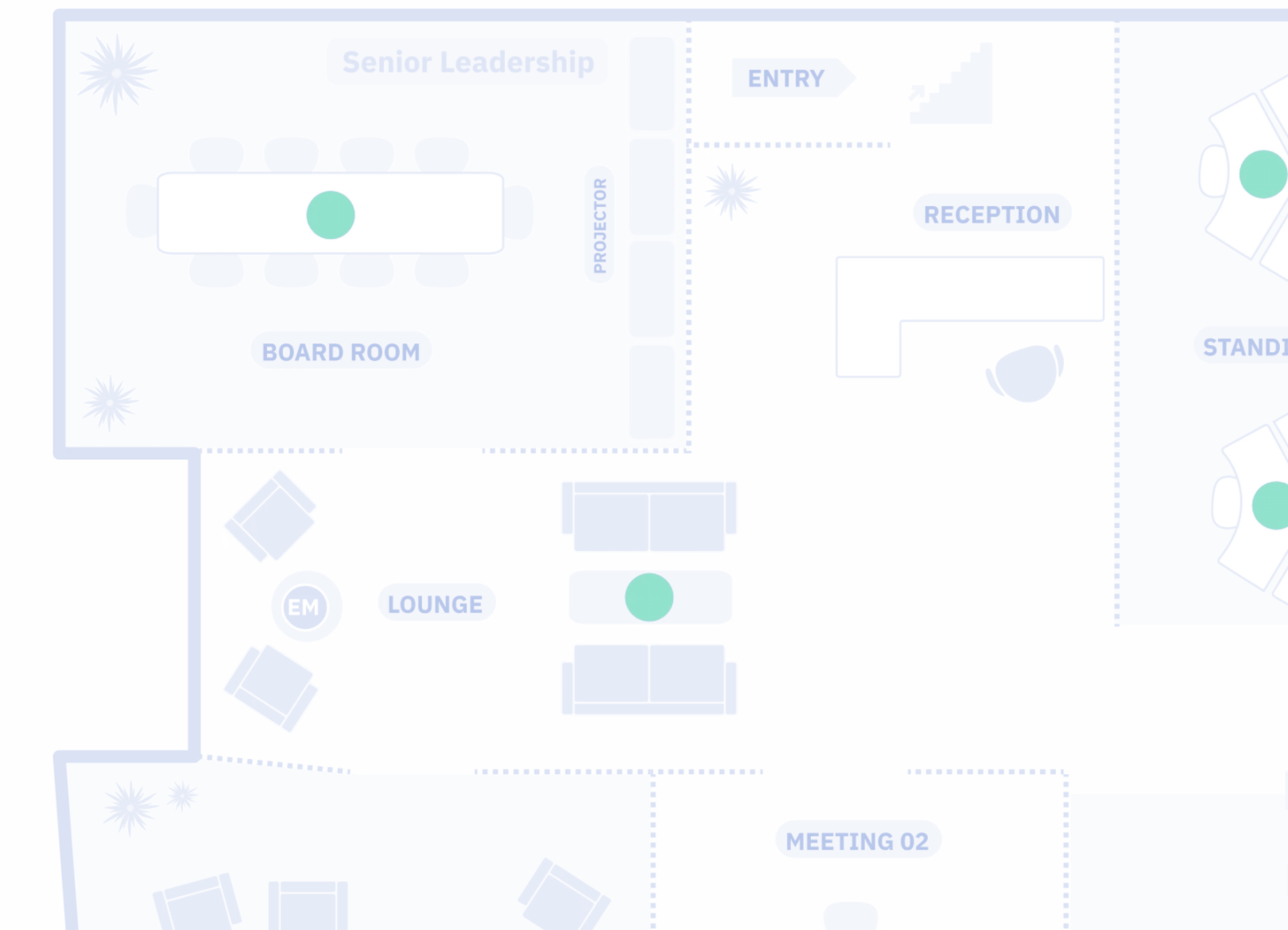
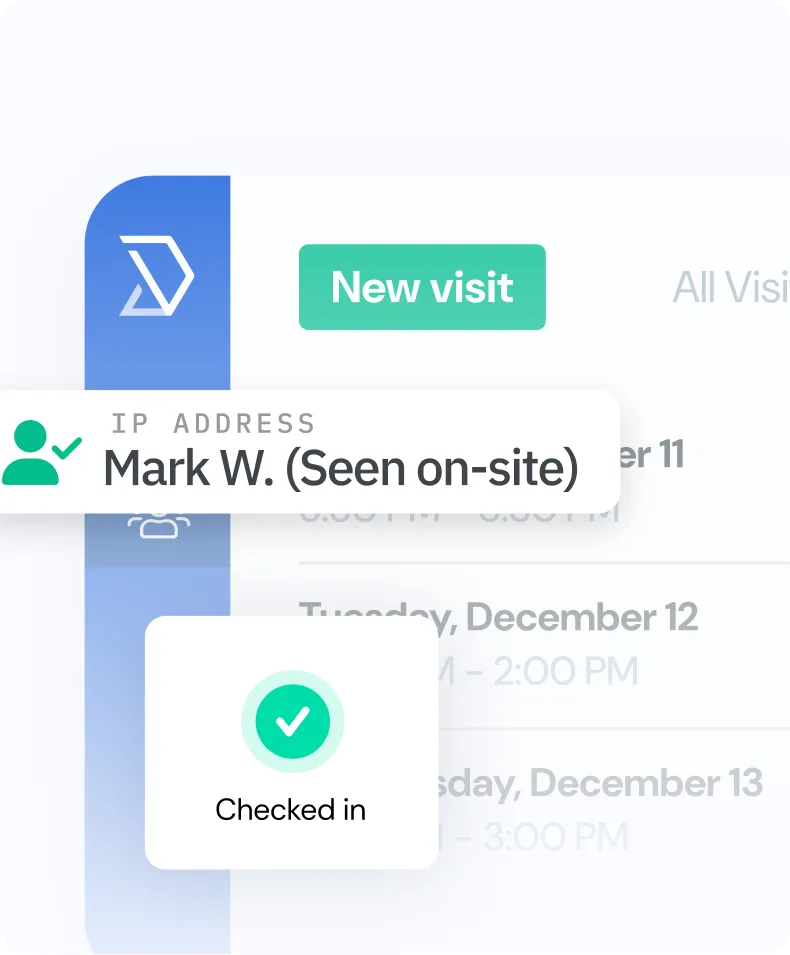
 John D. has arrivedHost notified · Maya · 9:02 AM




 Microsoft 365Synced
 Google CalendarMoved to 10:00 AMSynced





















Skedda plugs into the tools you already use, meets the security bar IT expects, and backs it all with real people, not bots or ticket queues.


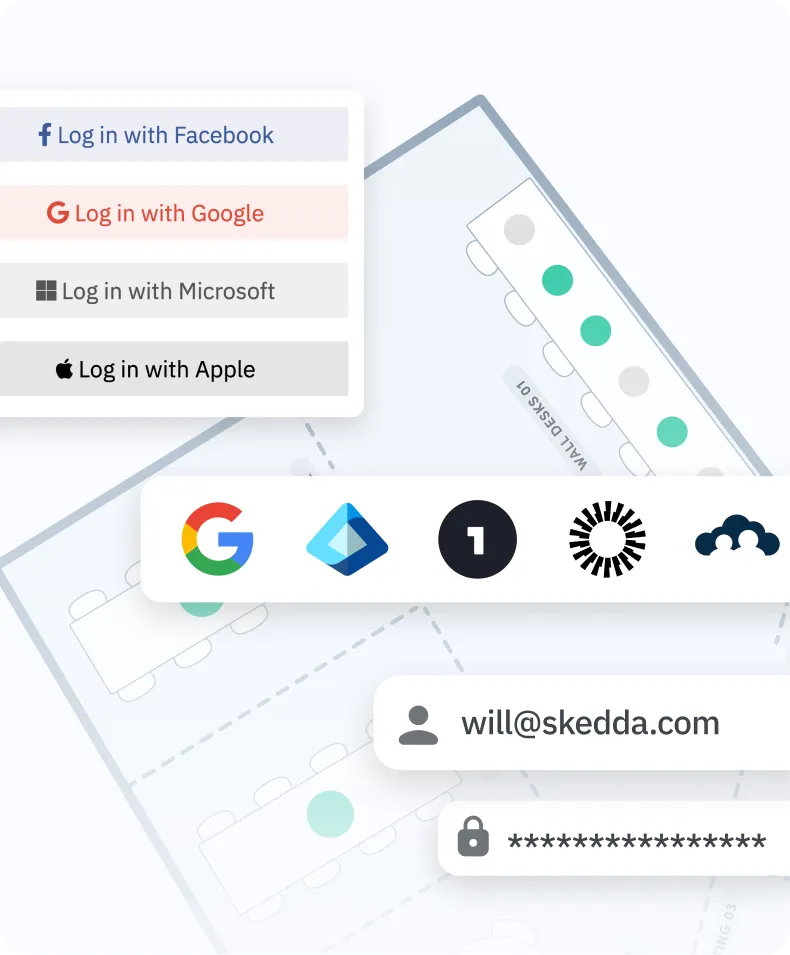
Integrate with your existing tech stack, from user management and calendars to video conferencing and a native Teams and Outlook app.


Skedda prices per space, not per user, which makes it significantly more cost-effective for larger teams. The Plus plan starts at $149/month for up to 20 spaces. Premier starts at $199/month and adds SAML SSO, SCIM provisioning, the Microsoft Teams app, and up to 7 years of data retention. Visitor Management is available as a $99/month add-on. A free trial is available with no credit card required, and there is no per-user fee regardless of how many employees access the platform.
Most teams are live within one to two business days. Skedda builds a custom floor plan within 24 hours of receiving your office layout. SSO, calendar sync, and integrations typically take a few hours to configure with IT. The experience is intuitive enough that most employees book their first space without any training. Several customers have seen employees start booking before the official launch announcement went out.
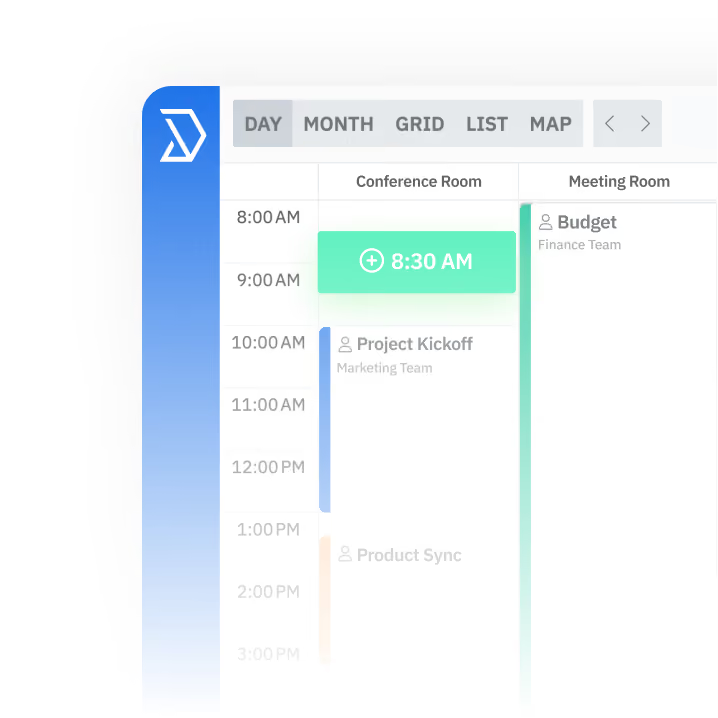
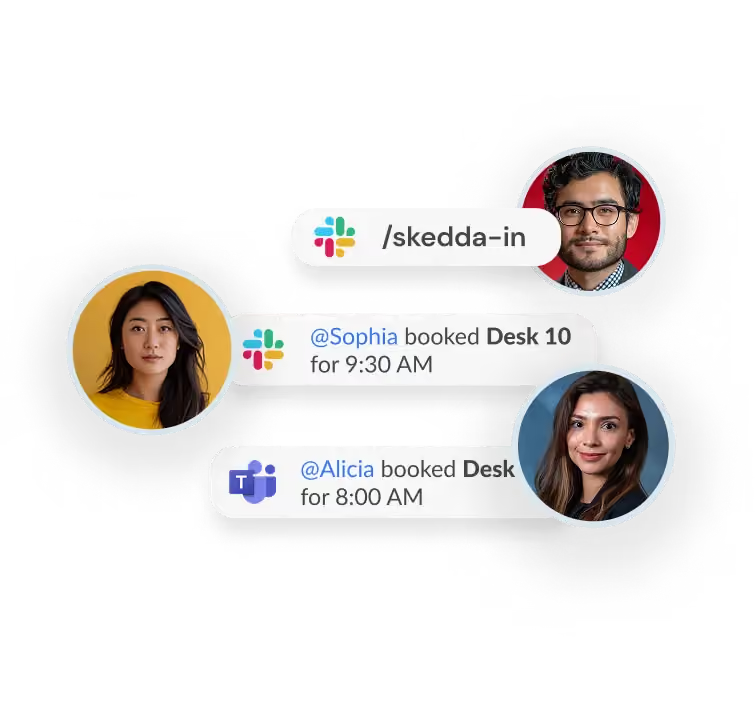
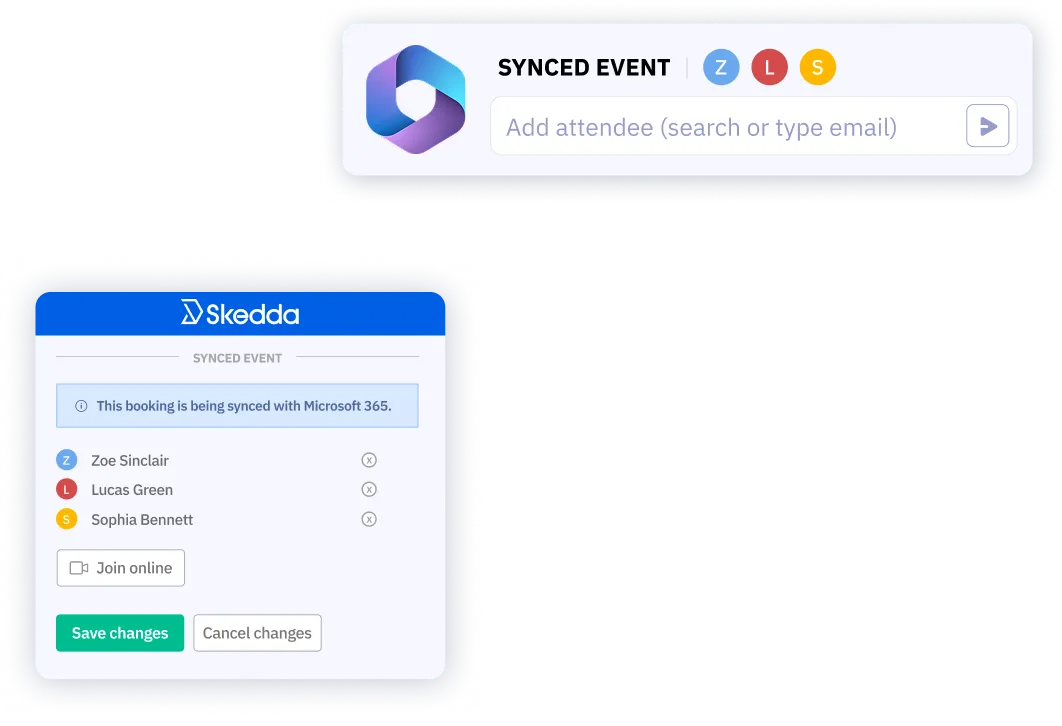
Yes. Skedda has native two-way sync with Microsoft 365 and Google Workspace. Bookings made in Skedda appear in Outlook or Google Calendar automatically, and accepted meeting invites can trigger room bookings in Skedda. You can also connect Skedda to Microsoft Teams, Slack, and Zoom so employees never have to leave their existing tools to find and book a space.
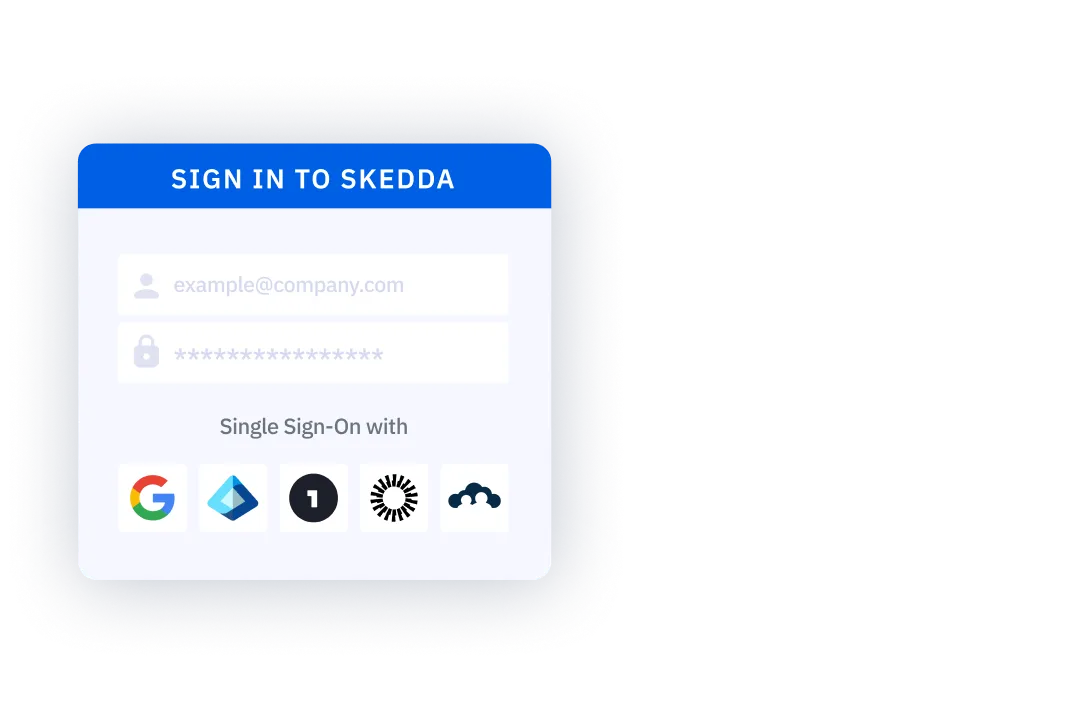
Skedda supports full two-way calendar sync with Microsoft 365 and Outlook. A booking made in Skedda creates the corresponding event in Outlook, and an Outlook booking can reserve the space in Skedda. Skedda also offers a native Microsoft Teams app so employees can check availability and book spaces without switching tools. SAML SSO and SCIM provisioning via Microsoft Entra ID are included on the Premier plan.
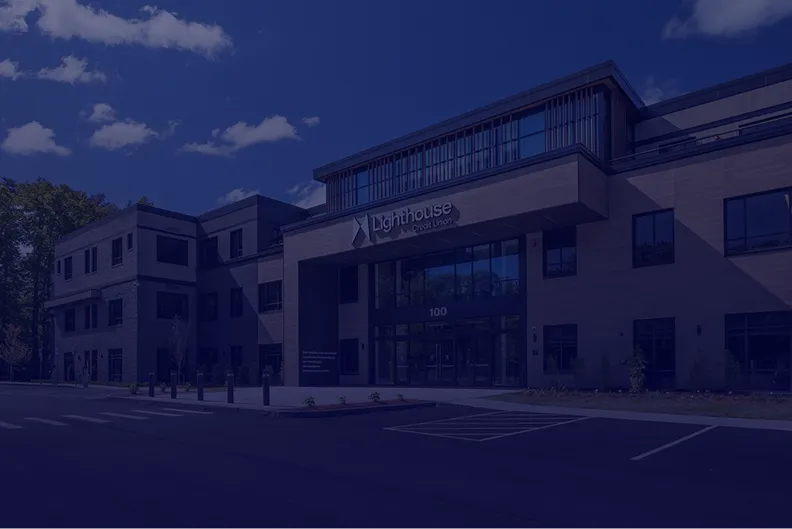
Skedda’s check-in rules require employees to confirm arrival to hold their booking. A QR code at the desk or room, Wi-Fi detection, or an email confirmation serves as the check-in trigger. If no check-in happens within a configurable window — say 15 or 30 minutes after start time — the space auto-releases for rebooking. Lighthouse Credit Union used this feature to reduce orphaned bookings to near zero across their new headquarters, eliminating a daily admin headache for their facilities team.
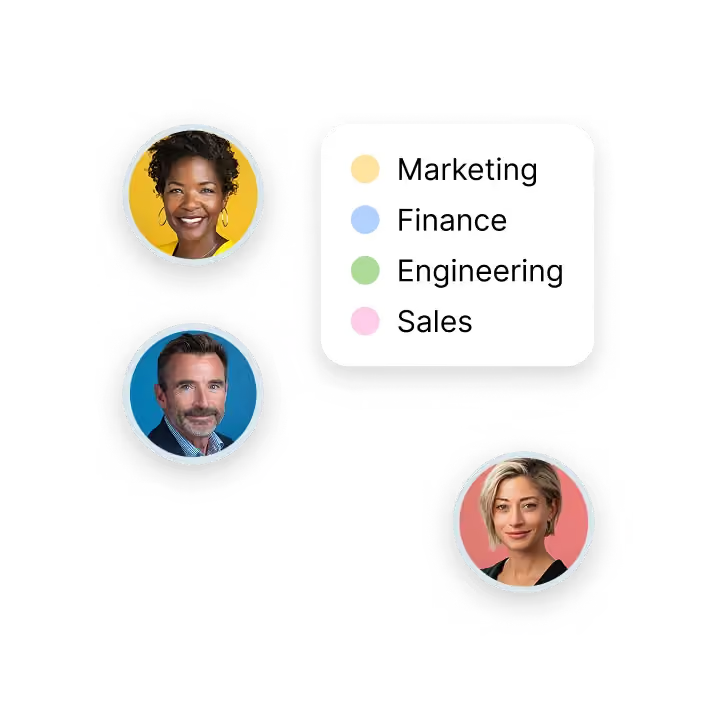
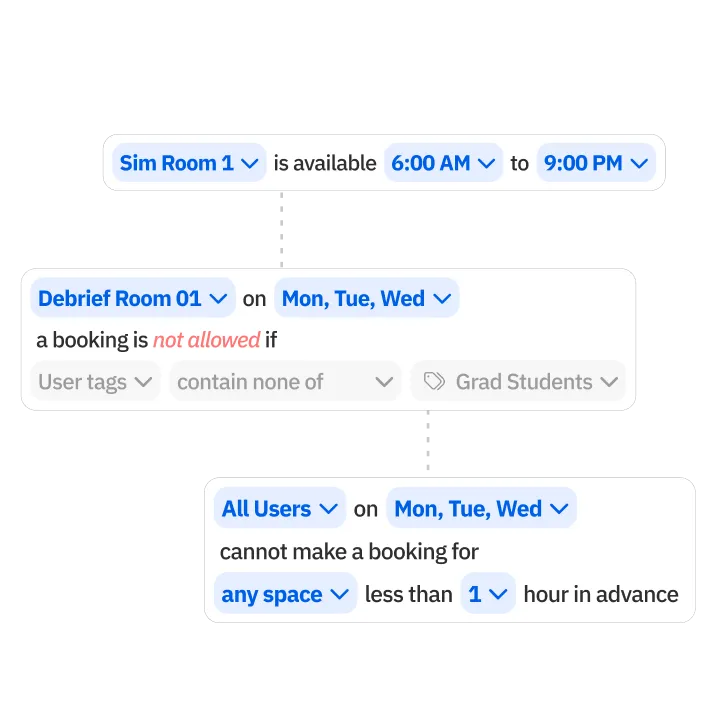
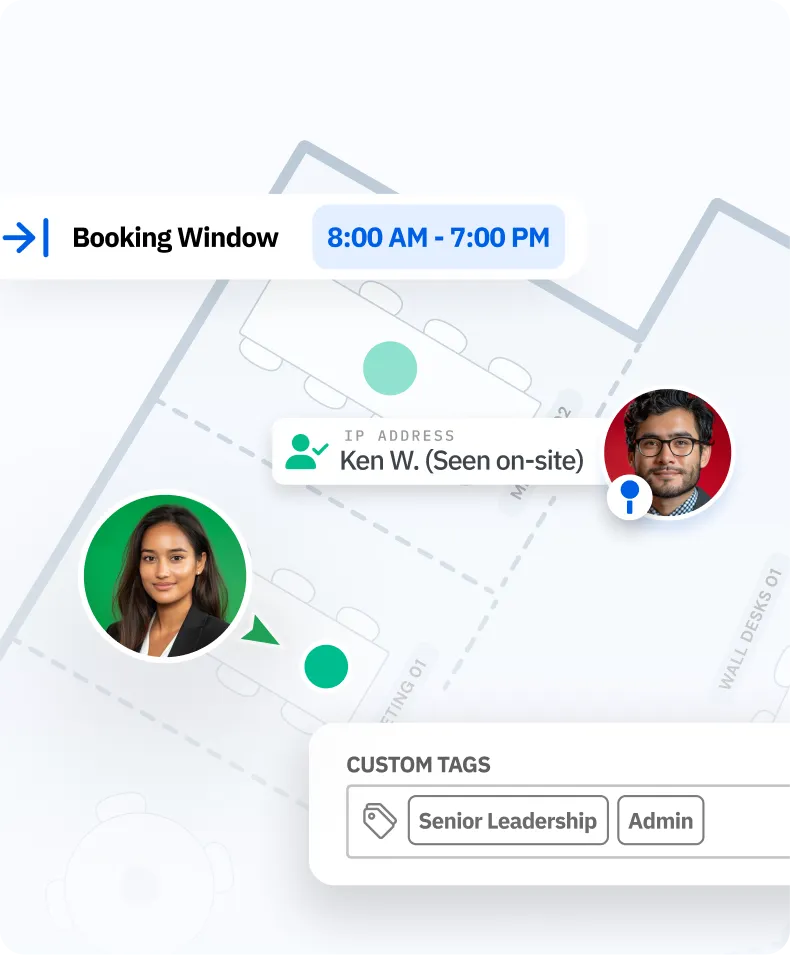
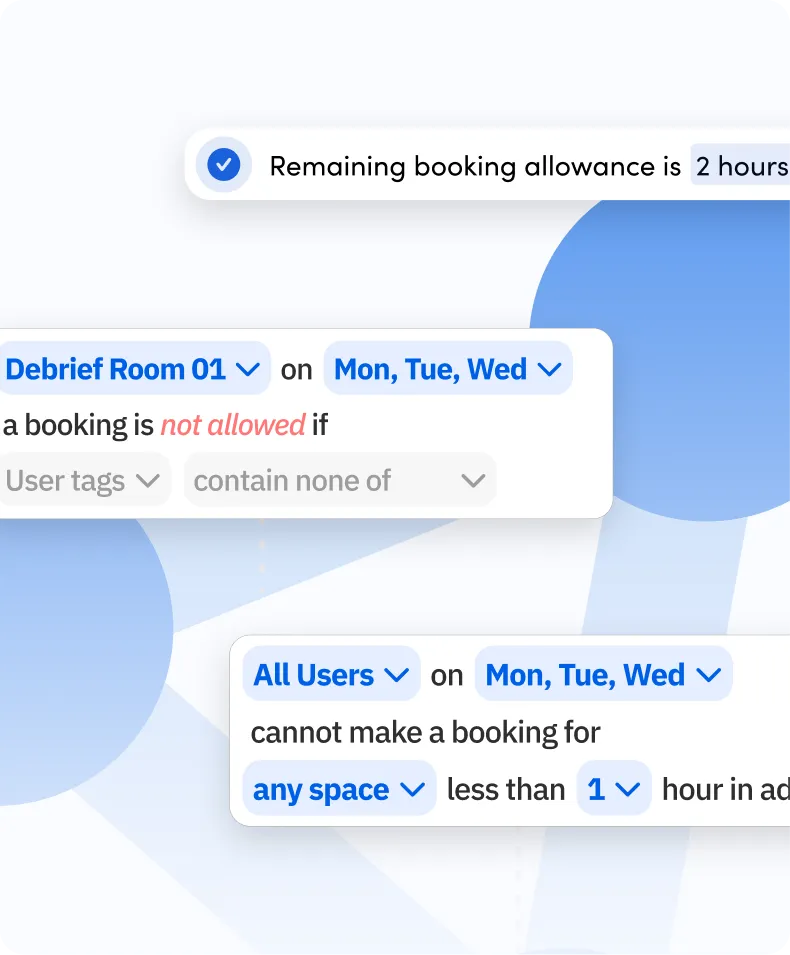
Skedda’s Access & Visibility rules restrict specific spaces to defined user groups by department, role, or custom tag. Executive suites, client-facing rooms, or restricted areas stay invisible to employees without the right access level. Booking Conditions add a second layer, requiring eligibility criteria such as a completed induction or an approved visitor form before a booking can go through. You define the policy; Skedda enforces it without any manual checking.
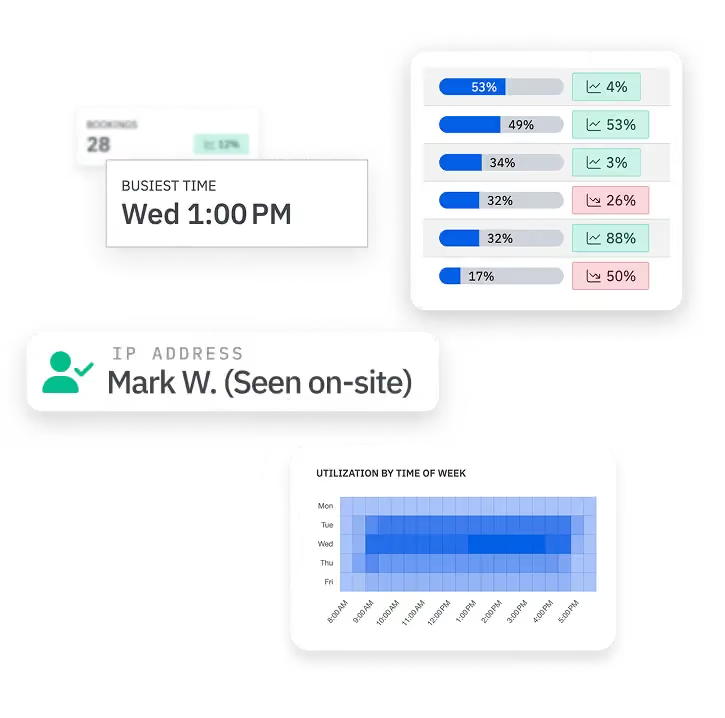
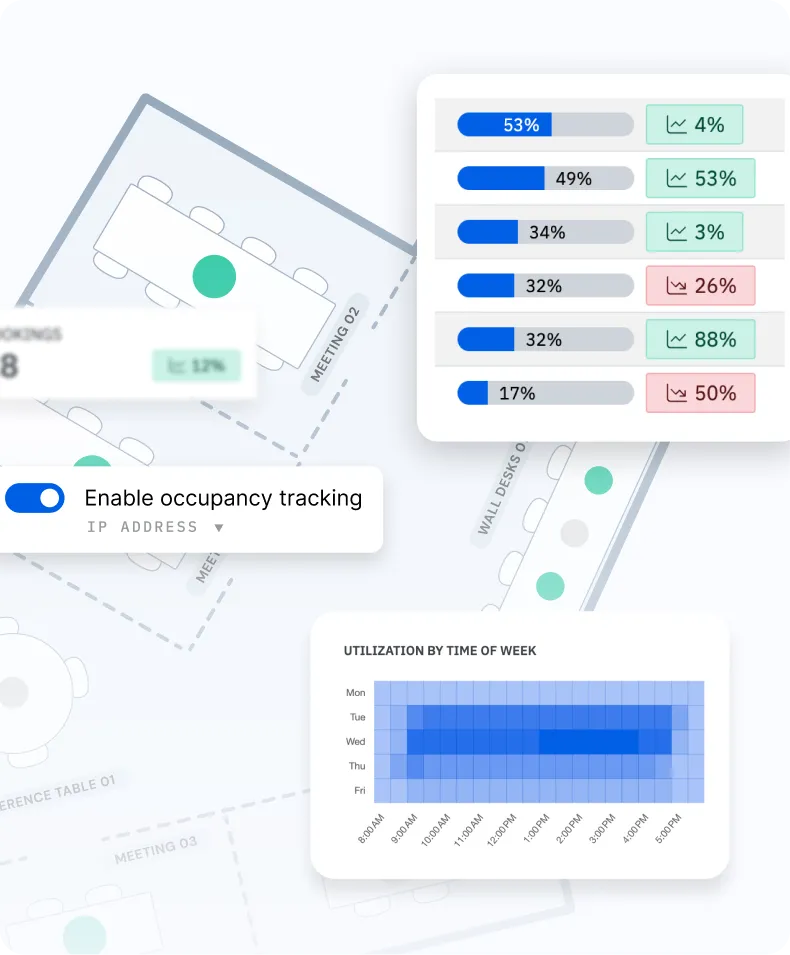
Skedda’s Workplace Intelligence dashboard shows utilization by space type, floor, and time period. You can see what percentage of desks are occupied on peak days versus slow days, which rooms are consistently overbooked, and whether your meeting room inventory matches how your team actually works. Trent & Dove’s IT team used Skedda’s utilization data to defend a meeting room that leadership had flagged for removal. The data showed it was in high demand, not underused as assumed.
Outlook and Google Calendar record bookings, but they don’t govern them. They can’t restrict access by role, enforce check-ins to prevent no-shows, display a live floor plan, cap how often a team can book a space per week, or produce space utilization reports. Skedda adds the governance layer your office needs to run fairly and the intelligence layer your leadership needs to make confident real estate decisions. It integrates with Outlook and Google Calendar so employees keep the tools they know and get a system that enforces the rules underneath.
Yes. Skedda supports unlimited locations under a single admin account, each with their own floor plans, booking rules, and access policies. Utilization data rolls up across all sites in the Insights dashboard, so your operations team can compare office performance without chasing spreadsheets. Autovista Group expanded Skedda from one office to five international locations after using occupancy data to reduce energy costs through automated minimum-occupancy policies.
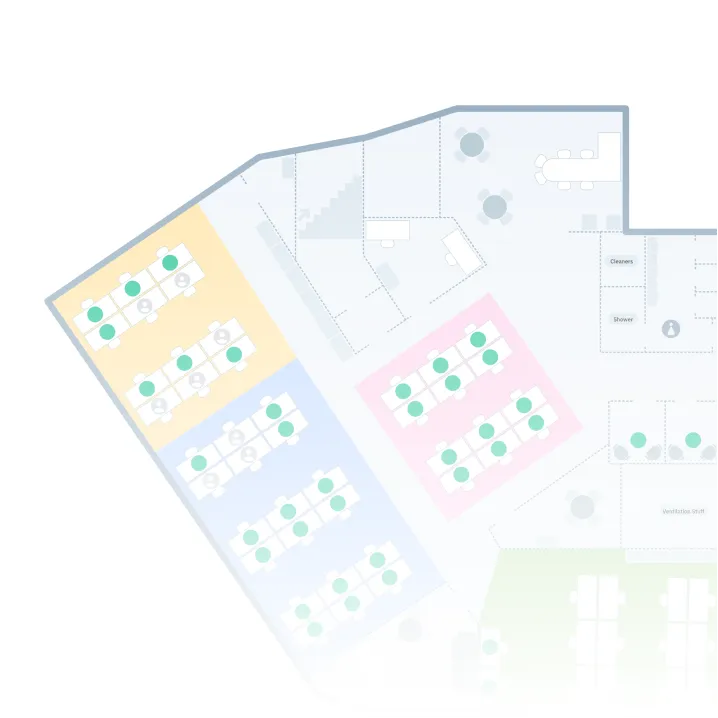
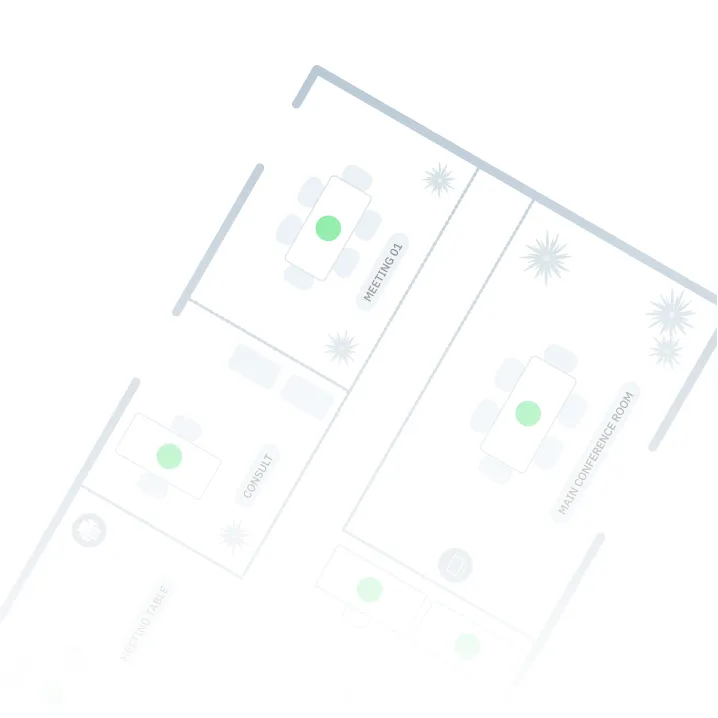
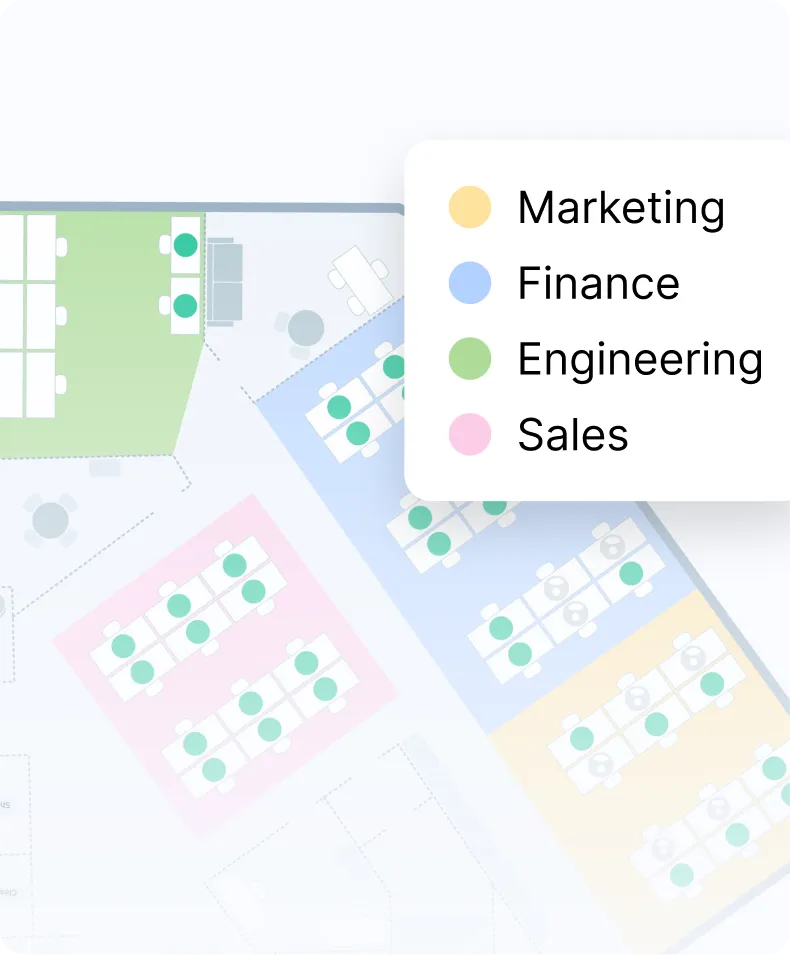
Yes. Skedda’s interactive floor plan shows colleague avatars on the map in real time, so employees can see who has booked a desk before making their own reservation. Skedda also integrates with Slack and Microsoft Teams to surface daily “who’s in” updates directly in team channels, giving employees the social context they need to plan their commute and encouraging in-person collaboration without requiring any mandate.
Appointment scheduling software books time with a person. Clients use tools like Calendly or Acuity to book a consultation, a haircut, or a sales call. Office scheduling software books space. Employees use it to reserve desks, meeting rooms, and parking, while admins set rules for who can book what and when. Skedda is office scheduling software. It manages your shared spaces on a live floor plan, syncs with Outlook and Google Calendar, and reports on how your office actually gets used. If you need clients to book time with your staff, an appointment tool is the better fit.
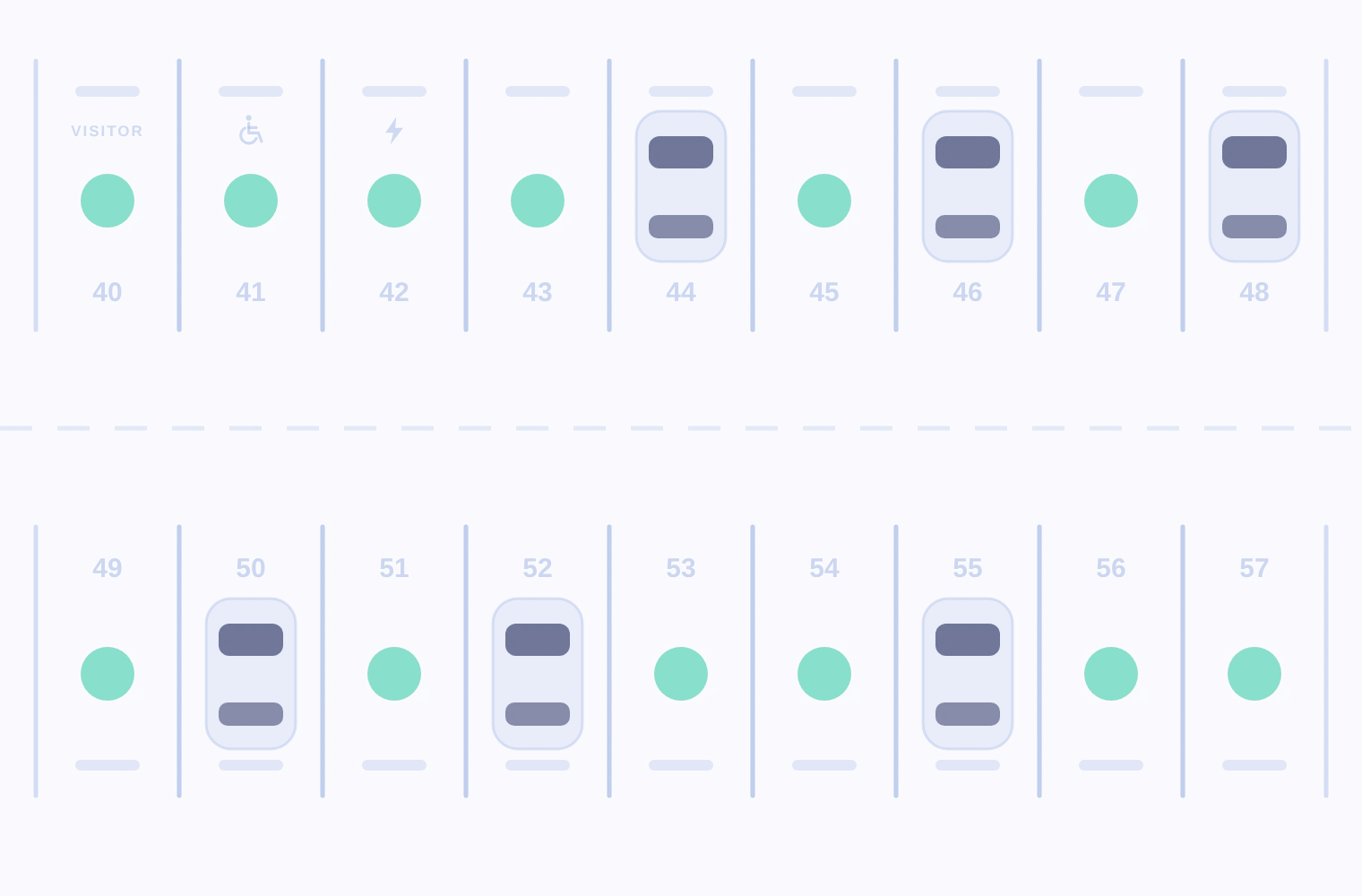
Yes. Parking works just like desks and rooms. Add your lot or garage to a floor plan, and employees reserve a spot before they leave home. You can tag spaces for EV charging or accessibility and limit who can book them. Booking rules apply here too, so you can cap how often someone books a premium spot or require check-in to hold it. Unclaimed spots release automatically, and parking usage shows up in the same reports as the rest of your office.
Skedda helps you put your policy into practice and see whether it’s working. Set booking quotas and windows that match your office-day rules, like a two-day minimum or a cap on peak days. Share daily “who’s in” reports in Slack or Microsoft Teams so people plan office days around each other. Then compare bookings against actual attendance with Wi-Fi presence detection, by person, team, or week. You get reliable data for policy conversations, instead of anecdotes and badge exports.