
NEW:
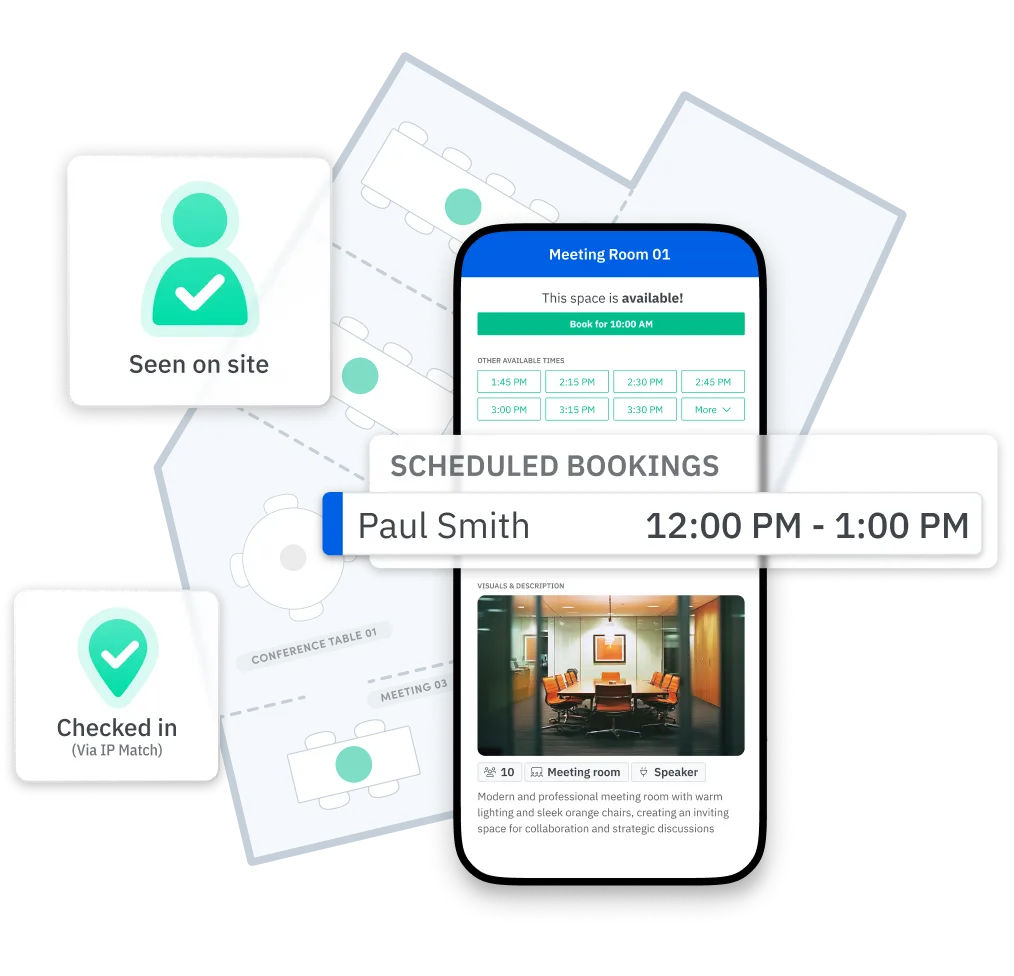
Verify presence and check into bookings with the Skedda Companion App
Skedda turns your office layout into a live, interactive map your team books from directly. Submit a floor plan and your custom office map goes live within 48 hours – no more desk hunting or managing outdated PDFs
















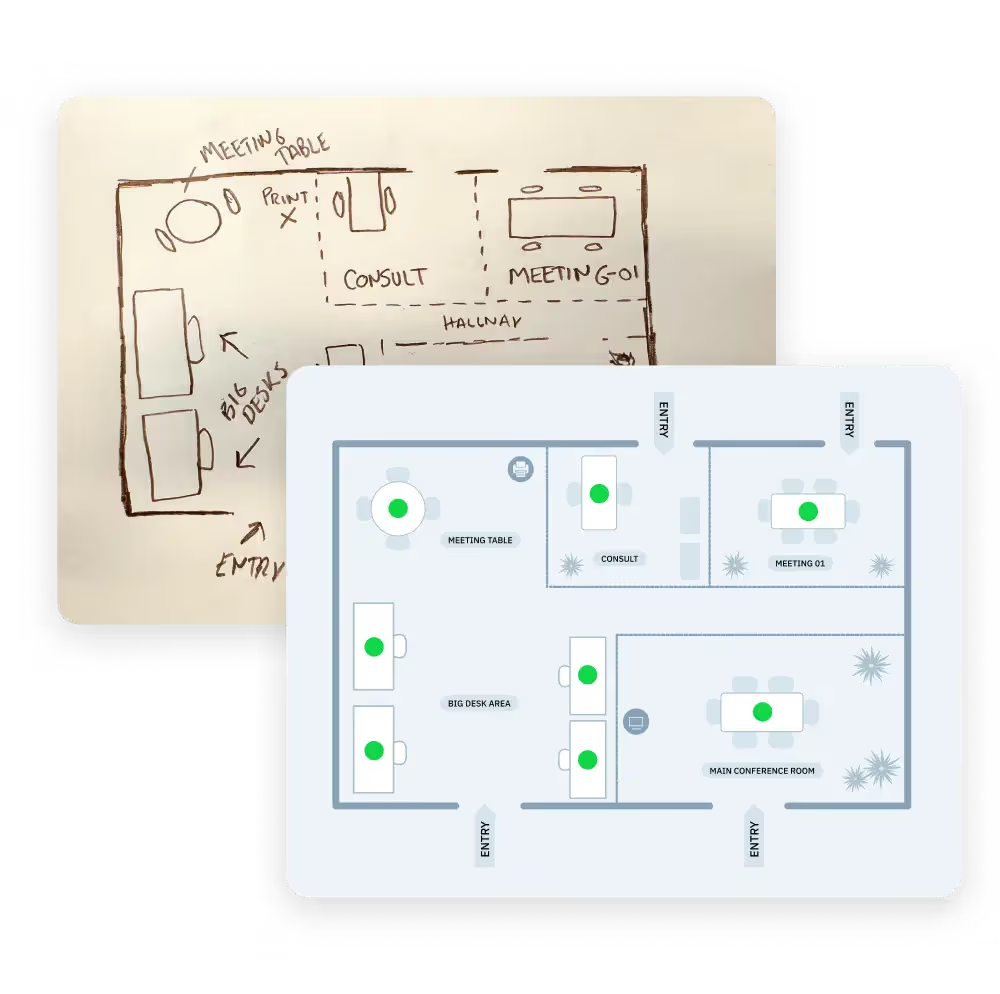

Send Skedda any layout file — architectural PDF, CAD drawing, PNG, or a hand-drawn sketch. Skedda’s setup team builds your custom interactive map and hands it off ready to book within 24 hours. When layouts change, admins update the map themselves, with no IT tickets and no re-upload cycle.
.svg)
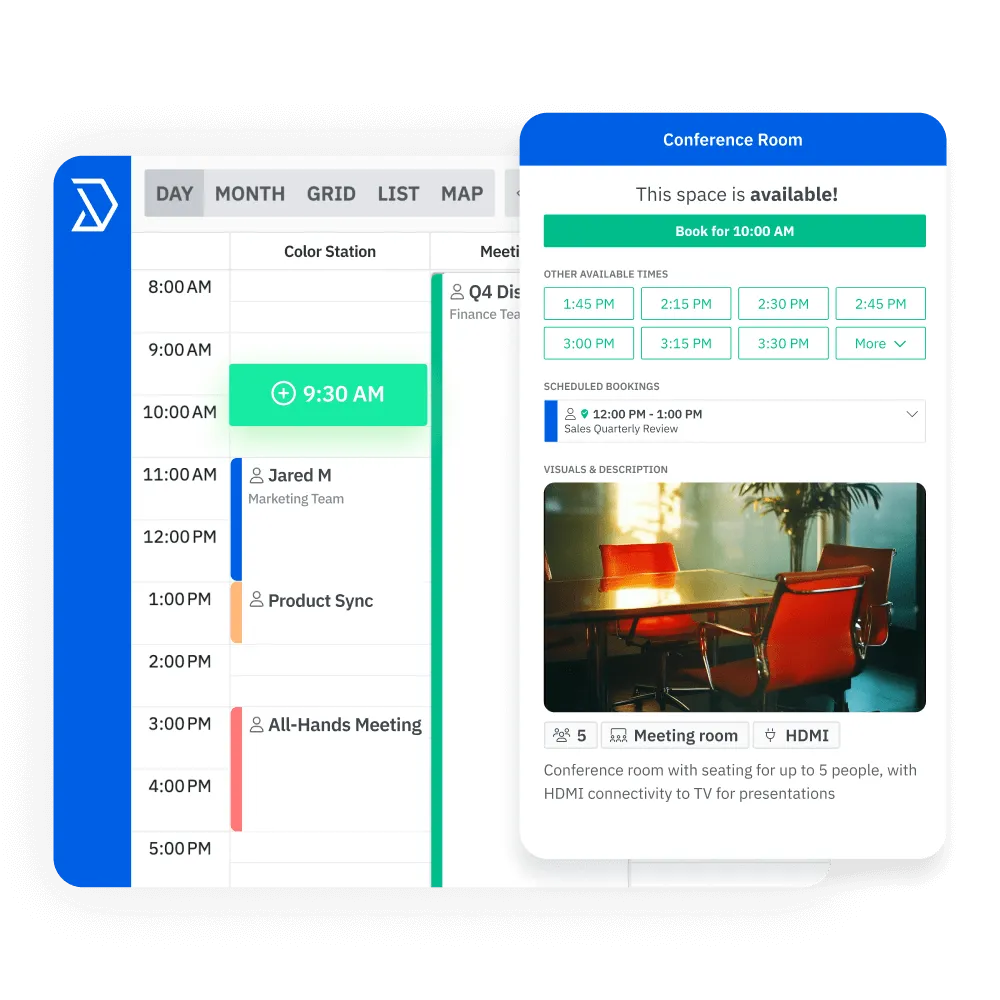

Employees open the floor plan and see every desk and room in real time: which are available, which are booked, and which colleagues are already coming in. They select a space directly on the map and confirm the booking using Skedda’s desk booking software in under 30 seconds, from a browser, the mobile app, Microsoft Teams, or Slack.
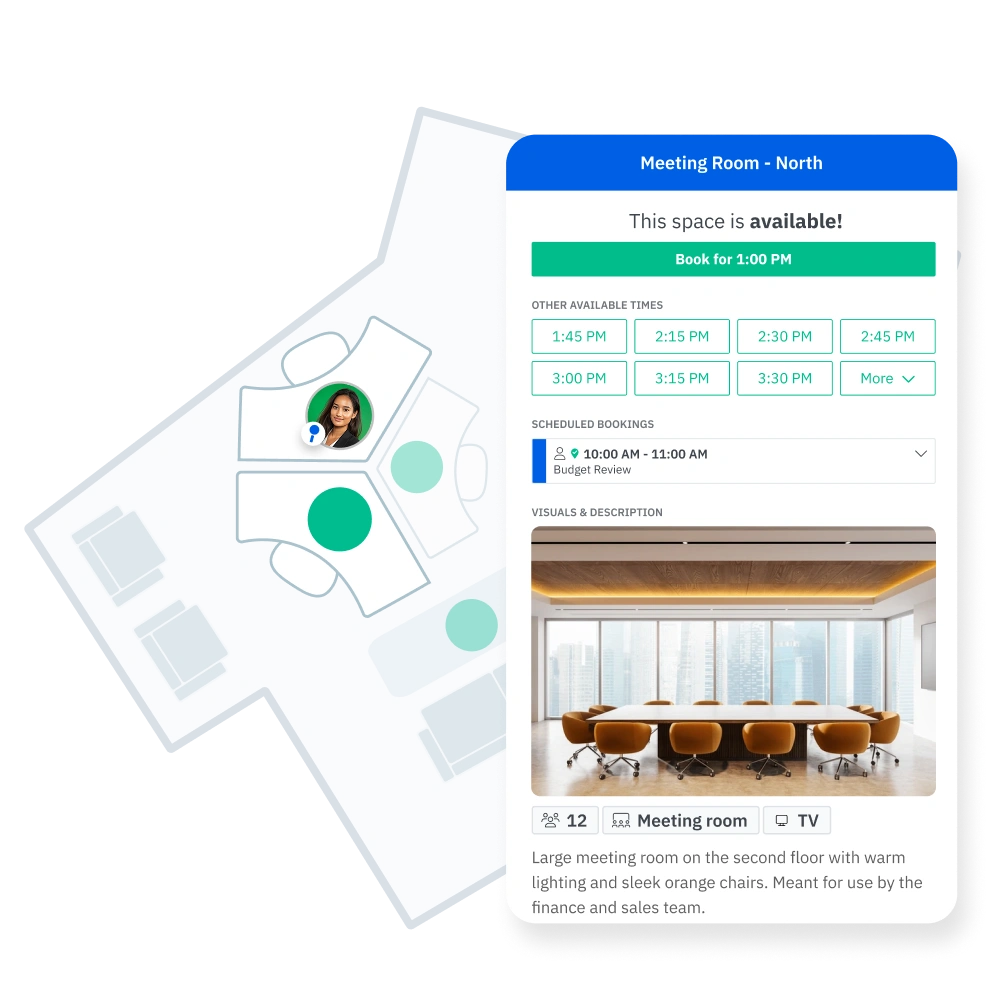

Skedda supports a mix of permanently assigned spaces and bookable hot desks on a single floor plan. Assigned desks show the occupant’s name and photo for wayfinding. Bookable desks display live availability. Both coexist on one map, reflecting how most hybrid offices actually operate.
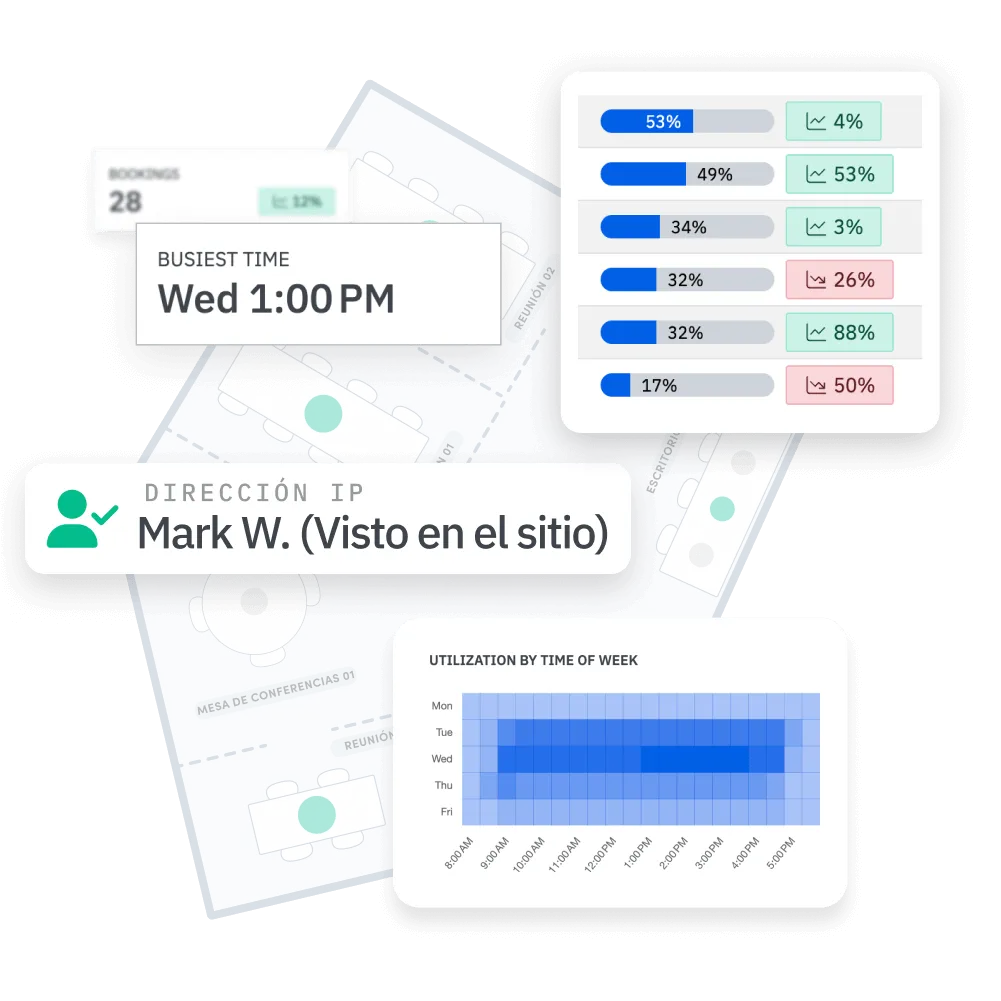

The Insights dashboard shows which zones and floors hit capacity on peak days and which go persistently unused. Compare bookings against actual occupancy via WiFi detection or QR code check-in, and get the evidence to justify a layout change, retire an underused floor, or negotiate a lease renewal with data behind you.




“The maps help build more of a community. They’re for booking, but they’re also really useful for wayfinding.”
The office map connects directly with Microsoft and Google calendar ecosystems, so bookings made on the map sync to Outlook and Google Calendar automatically. Employees access the interactive floor plan inside Microsoft Teams without switching apps.
Skedda delivers your custom floor plan within two business days of receiving your layout files. Architectural PDFs, CAD drawings, PNG images, and hand-drawn sketches all work. No professional drawings required. When you add a new floor or reconfigure existing spaces, updates go live the same business day.
Once Skedda’s design team uploads your custom floor plan based on your initial requirements, you’ll have direct control over creating new digital spaces and placing them on the map. You can edit, add, and rearrange spaces on your map as many times as you want.
A static seating chart shows where people sit. Skedda’s office map shows live availability, confirms who’s booked in today, and gives employees a direct booking interface — all in real time. Admins govern it with booking rules. Facilities teams use its utilization data to make space decisions. It’s an operational management tool, not a static snapshot.
Yes. Skedda supports assigned and bookable spaces on the same floor plan. Assigned desks display the occupant’s name for easy navigation. Bookable desks show real-time availability. Employees see both types at a glance and reserve available spaces directly from the map.
Skedda’s workplace intelligence software tracks space utilization by space, floor, and neighborhood, with actual occupancy confirmed via WiFi detection and booking check-in. The Woolcock Institute used this data to identify idle consultation rooms, and once those rooms were booked up, they directly increased clinic revenue.
Yes. The interactive floor plan works on iOS and Android via the Skedda mobile app. Employees open the map, see live availability, and book a desk from their phone before arriving at the office. QR code check-in at the desk confirms arrival and prevents automatic desk release.


